
下载 Windows Service Wrapper
下载地址:https://github.com/winsw/winsw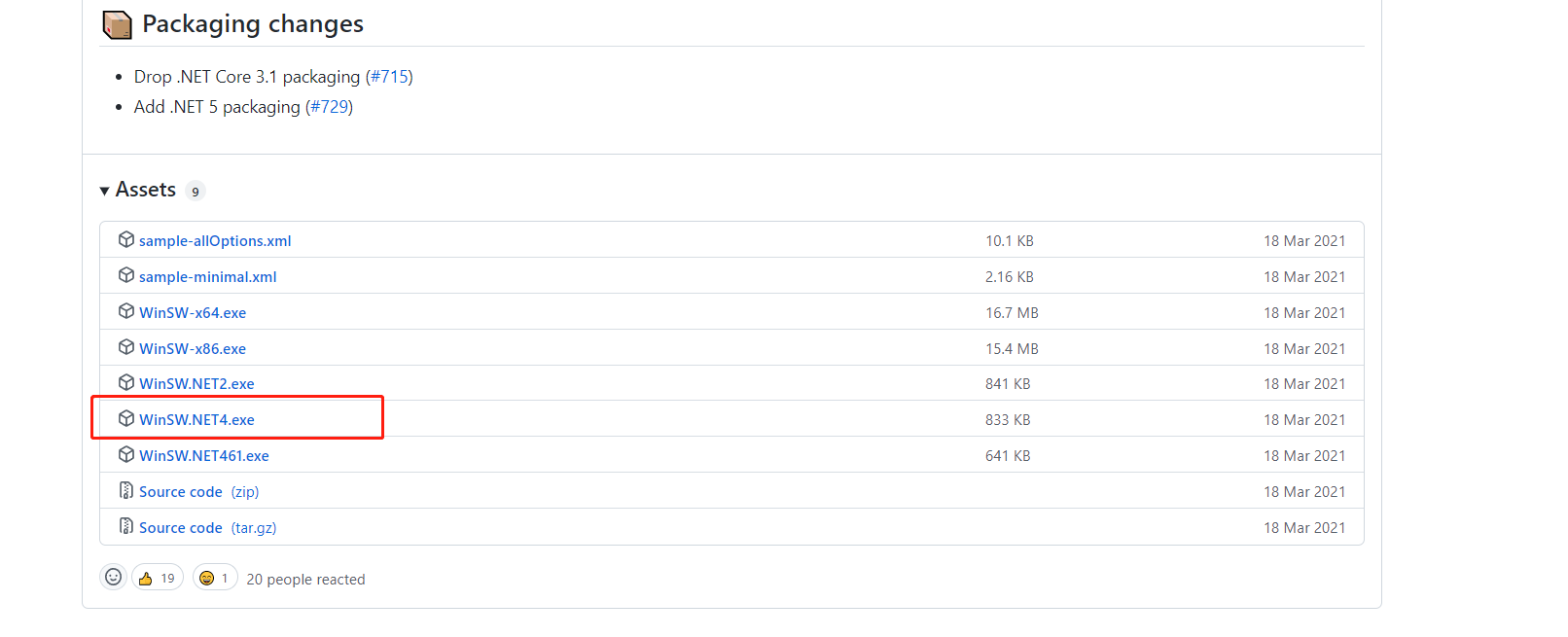
使用
复制 WinSW.NET4.exe 到 jar 文件同级目录,并改名为jar的相同文件名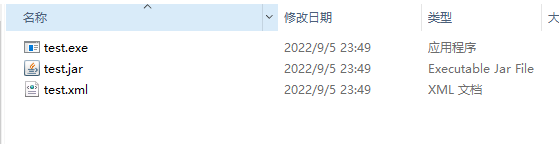
在同目录创建xml配置文件,与 jar文件同名, 内容如下
<configuration>
<id>test</id>
<name>test</name>
<description>This is test jar.</description>

<executable>java</executable>
<arguments>-Xms512m -Xmx512m -jar  test.jar --spring.profiles.active=dev</arguments>
<!-- 开机启动 -->
<startmode>Automatic</startmode>
<logpath>./logs</logpath>
<log mode="roll-by-time">
<pattern>yyyyMMdd</pattern>
</log>
</configuration>
运行 cmd 命令注册成 windows 服务
test.exe install
使用
# 启动命令
net start test

# 停止命令
net stop test

# 卸载命令, 如果卸载不了,使用管理员模式打开cmd再运行
sc delete test